Financial Reports & Cash Drawer Balancing
The Reports module provides branch managers, accountants, and finance directors with auditing tools to balance counter cash drawers, track route profitability, audit agent commissions, and export accounting ledgers.
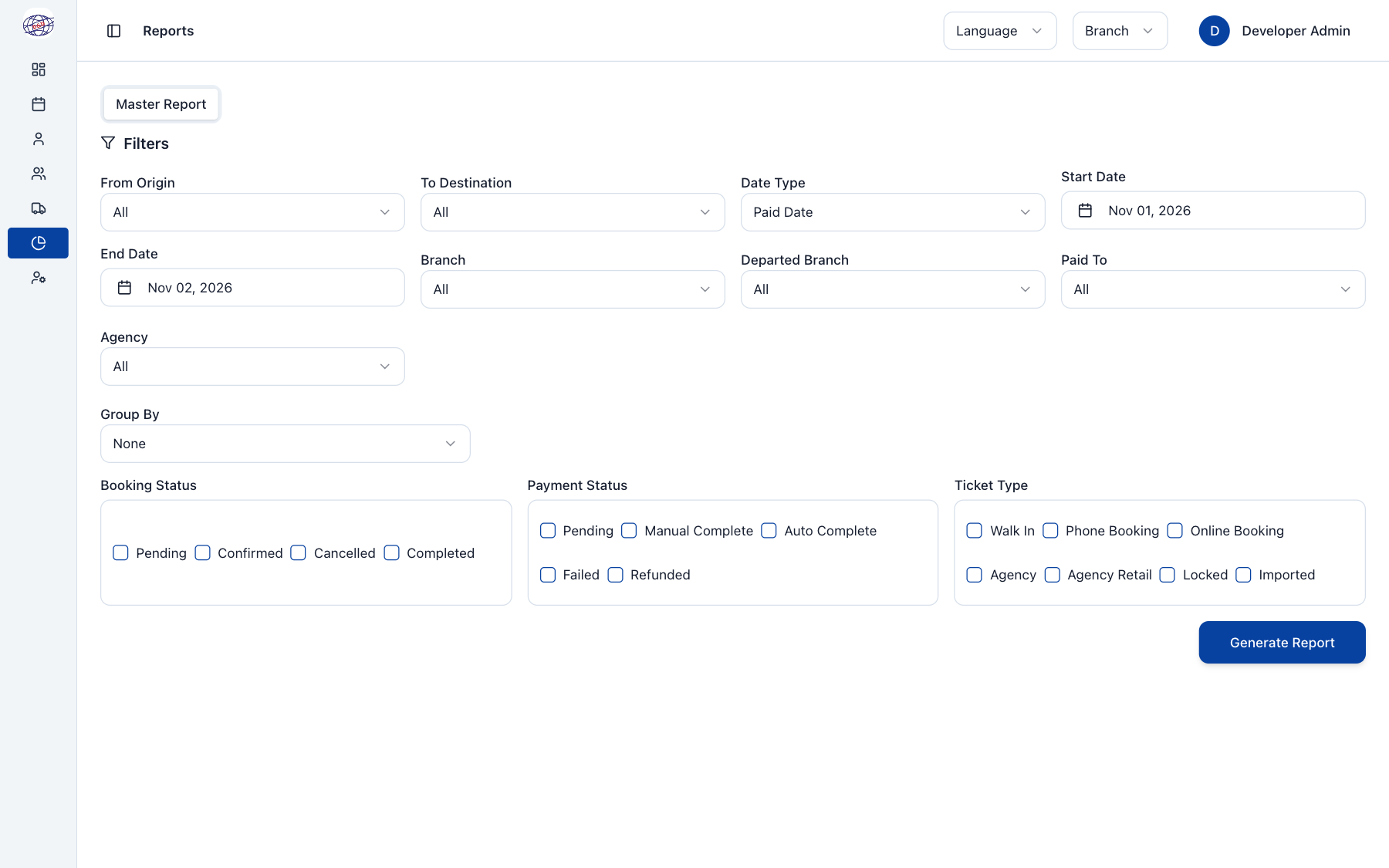
1. Daily Cash Drawer Balancing (End-of-Shift Routine)
At the end of every ticket counter shift, cashiers and branch managers must reconcile the physical cash in the drawer against system records before closing the shift:
Step-by-Step Cash Balancing
- Open Reports from the left navigation and select the Master Report tab.
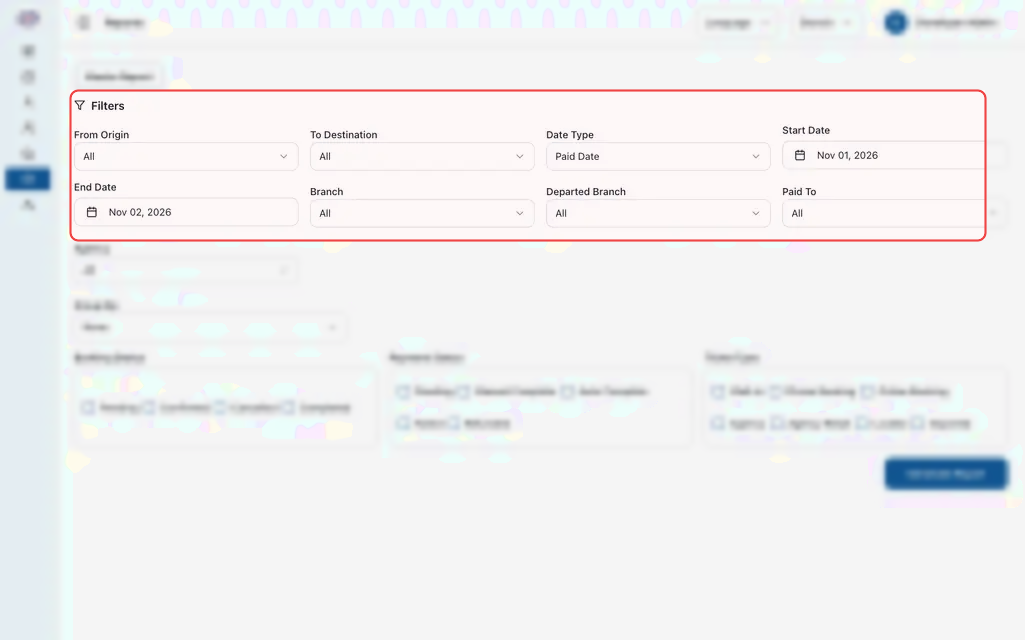
- Configure your shift filters:
- Date Type: Select Paid Date (this filters strictly by transactions where money was collected today, regardless of when the passenger travels).
- Date Range: Select Today (or custom shift hours).
- Branch: Select your counter location (e.g., Phnom Penh Central).
- Seller: Select the cashier on duty, or leave as All Sellers to audit the entire branch counter.
- Click Generate Report.
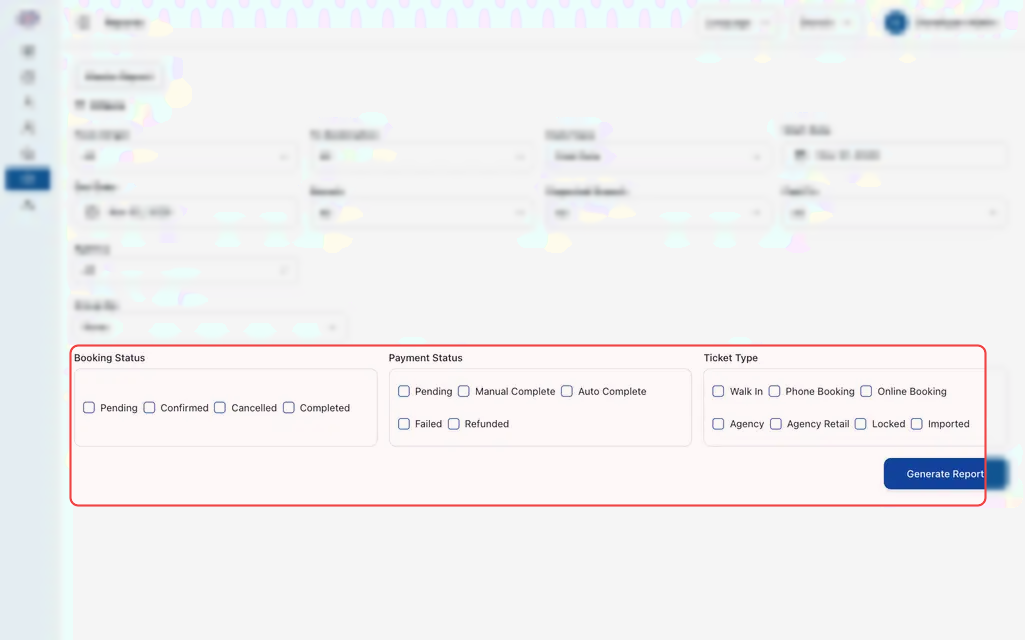 4. Compare Totals:
- Cash Payments: Count physical banknotes in your cash drawer in both USD ($) and Cambodian Riel (៛). Compare against the Cash total card on screen.
- Electronic Payments (KHQR / Bakong): Check your banking terminal or Bakong merchant app to confirm digital payments match the Bank Transfer / QR total on screen.
- Click Export CSV to download a spreadsheet copy for your accounting department, or click Print to save an A4 shift sign-off sheet.
2. Understanding Date Filter Types
Choosing the wrong date filter is the #1 cause of accounting confusion. Always select the date type matching your auditing goal:
If a passenger pays $15 cash on Monday for a bus departing on Friday:
- On Monday's Paid Date report: The $15 appears in Monday's cash collection.
- On Monday's Departure Date report: The $15 does not appear (it will appear on Friday's departure report).
3. The Master Sales Report
The Master Report is the primary audit ledger for company transactions:
- Filter Panel: Slice data by travel corridor (e.g., Phnom Penh — Sihanoukville), booking status (Confirmed, Cancelled, Refunded), payment status (Paid, Pending), or issuing channel (Counter, Mobile Web, Agency).
- Summary Metric Cards:
- Total Bookings: Number of reservations created.
- Total Tickets Sold: Actual seat count issued.
- Gross Fare: Total ticket price before discounts or promotions.
- Total Discounts: Promotional vouchers or agency discounts deducted.
- Net Payable Amount: Final revenue collected by your company.
- Detailed Audit Table: Each row displays the booking reference, passenger name, seat number, route corridor, departure time, payment method, cashier username, and ticket status.
4. Agent Commission & Settlement Reports
Under the Commission Report and Settlement Report tabs:
- Commission Breakdown: Tracks commissions earned by each third-party agency (e.g., 10% on a $12 ticket = $1.20 commission).
- Postpaid Balances: Audits total debt owed by postpaid agencies.
- Settlement Log: A permanent ledger recording every time an agency transfers funds to clear their balance, including bank reference numbers and cashier sign-offs.
5. Exporting Records for Accounting
- Export CSV: Downloads the complete unfiltered data table into an Excel/Google Sheets compatible spreadsheet. All columns (including transaction timestamps, cashier IDs, and seat details) are included for import into external accounting systems.
- Print / PDF: Generates a clean, landscape-oriented PDF with company header, filter summary, and signature lines for shift handovers.
Frequently Asked Questions
My physical cash drawer has more money than the system report shows. Why?
- Check that your report is set to Paid Date, not Departure Date.
- Verify that all ticket sellers on shift selected Cash rather than accidentally recording a cash sale as Bank Transfer.
- Check for any walk-in tickets left in Pending Payment status that were handed to passengers without clicking Confirm Payment.
How does the system handle dual currency payments (USD and KHR)?
Cambodian bus counters regularly receive both US Dollars and Khmer Riel. The system converts collections using the daily official exchange rate configured under Settings > Exchange Rates (e.g., $1 = 4,100 KHR) and displays the breakdown clearly on both the receipt and the report summary.